Step 5 - Write a Professional Summary
Write a professional summary that sells your strongest skills and experience. Format it with the built-in rich text editor.
Last updated 2026-08-19
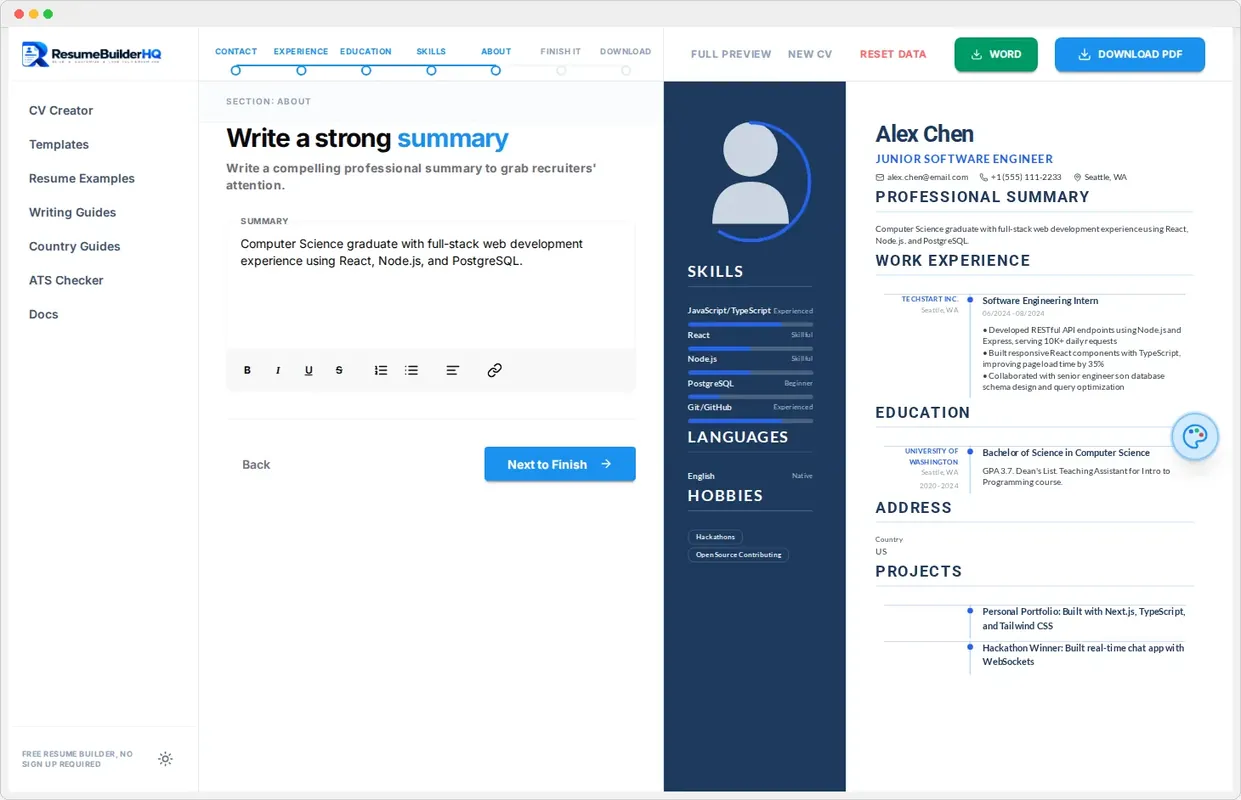
The About step holds your professional summary. This short paragraph sits near the top of your resume and gives recruiters the quick version of your story.
What a good summary does
A strong summary answers three questions in a few lines:
- Who you are as a professional.
- What you are best at.
- What value you bring to the role.
Aim for 2 to 4 sentences. Anything longer gets skimmed or skipped, especially by busy recruiters reading many resumes.
Use the rich text editor
The summary box uses the same rich text editor as the rest of the builder. You can bold key skills, italicize important details, and keep the layout clean. A little formatting helps the summary scan well.
Tip
Tailor it per application
The summary is the easiest part of a resume to tailor. Change a few words to match each job posting and your resume instantly feels more relevant to that employer.
Continue to Review
When your summary is ready, click Continue to move to Step 6: Review, where you can see and edit your entire resume on one page.