ATS Resume Checker: Test Your Resume Before Applying
Score your resume against ATS systems. Upload a PDF, DOCX, or TXT, compare it with a job description, and get keyword match, structure, and formatting fixes.
Last updated 2026-08-19
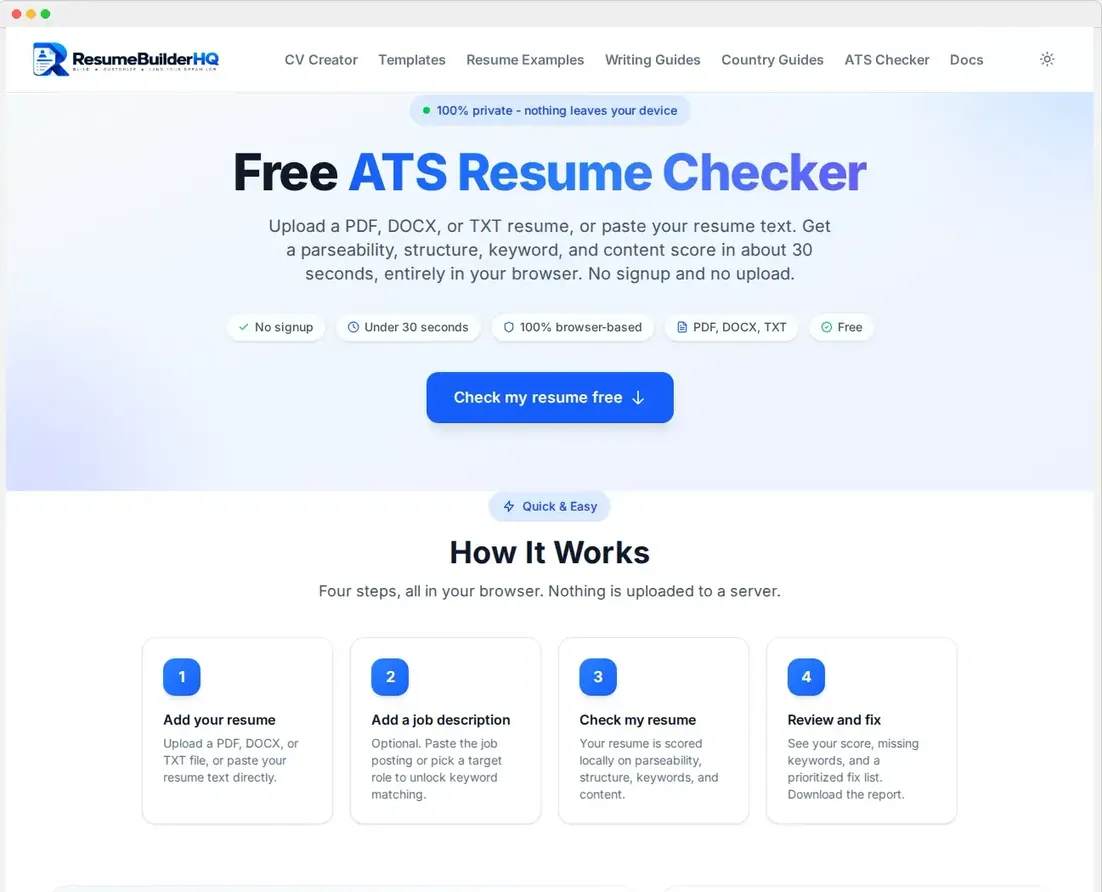
Many companies use Applicant Tracking Systems, or ATS, to screen resumes before a human reads them. The free ATS Checker scores your resume against common ATS rules so you can fix issues before you apply.
Add your resume
Upload a PDF, DOCX, or TXT file, or paste your resume text directly. Everything runs in your browser, so your resume never leaves your device.
For a job-specific check, paste the job description too. The checker then compares your resume's keywords against the ones the employer used.
Your ATS score
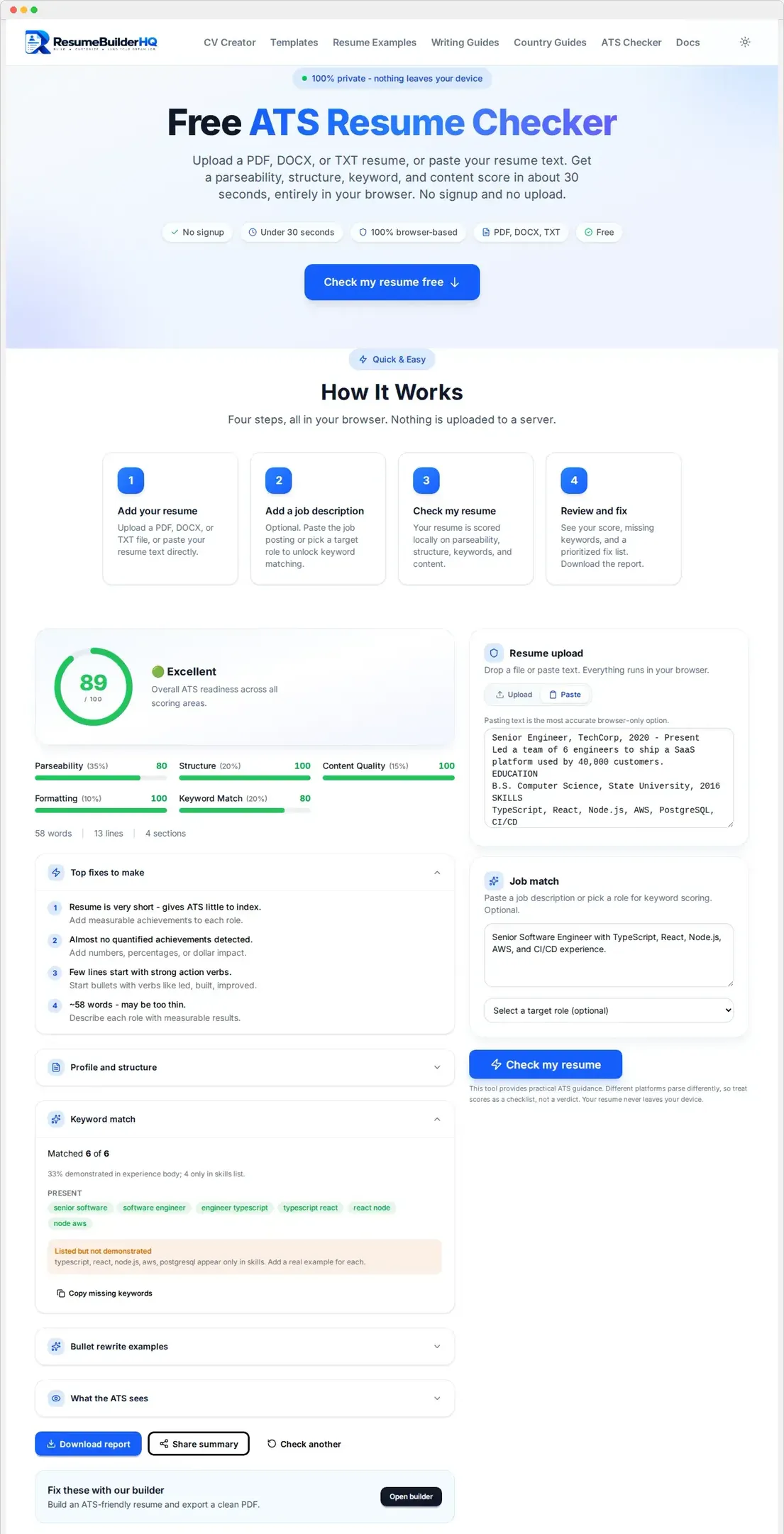
The checker gives you an overall score and a breakdown across the areas that matter most to ATS systems:
- Parseability - can the software read your resume cleanly?
- Structure - are the sections organized and labeled clearly?
- Keyword match - does your resume include the job description's terms?
- Content quality - do you use achievements and strong wording?
- Formatting - is the layout ATS-friendly?
Actionable fixes
Beyond the score, the checker lists the specific problems it found and the most important fixes. Common suggestions include:
- Rewriting weak or vague bullets with action verbs.
- Adding the job description's keywords where they are true for you.
- Fixing formatting choices that break parsing, like multi-column layouts.
- Renaming non-standard section headings.
Download the report
Use Download ATS report to save a PDF summary of your score and top fixes. Keep it while you revise, and re-check after you edit to confirm the score improved.
Note
Re-check after every edit
Keyword and content scores change with each job description you add. Re-check your resume every time you tailor it for a new role to keep the score accurate.